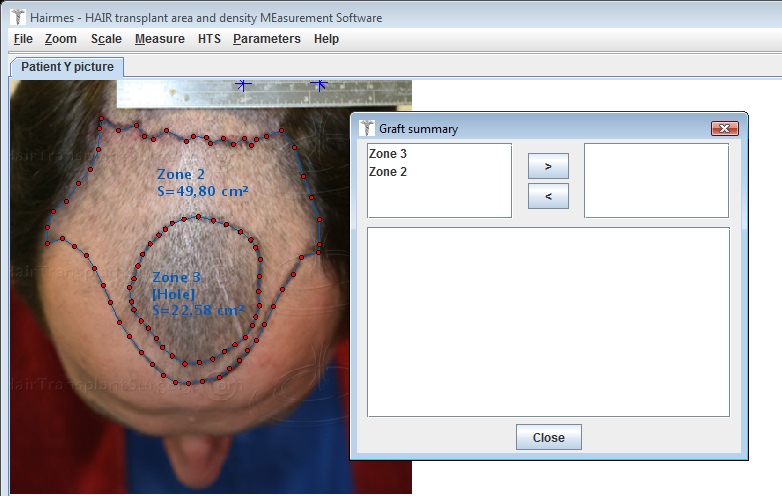
The upper left area shows a list of all measurements performed on the image.
The upper right area lists the measures that will be displayed in the overview area situated in the bottom area.
The HTS menu
The HTS menu provides access to features that are specific to the Hair Transplantation Surgery field.
This menu allows you to:
display a dialog box with a summary of the number of transplants
count follicular units
Graft summary screen :
The "Graft summary" dialog is as below:
The upper left area shows a list of all measurements performed on the image.
The upper right area lists the measures that will be displayed in the overview area situated in the bottom area.
The buttons below allow you to switch the items from left to right: 

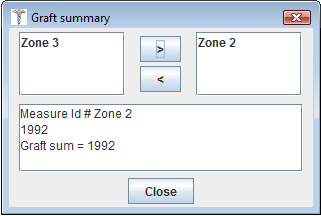
The number of grafts for each measurement and the total sum of grafts for all selected measurements are displayed at the bottom of the overview screen.
The counting of Follicular Units:
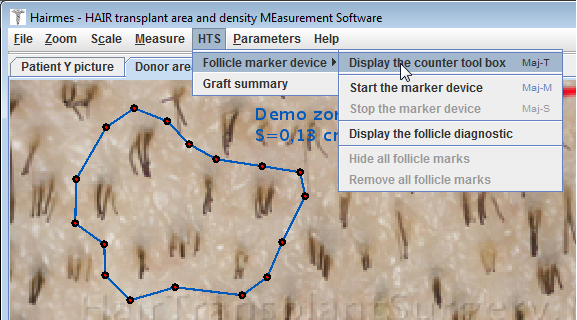
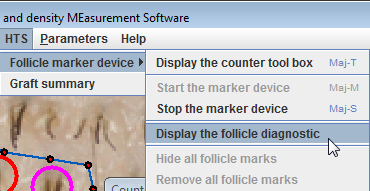
The menu "Follicle marker device" allows you to:
Display the counter toolbar that allows you to mark each follicular unit according to the number of hairs on the FU
Start and stop the counter
Display a diagnosis of identified FUs
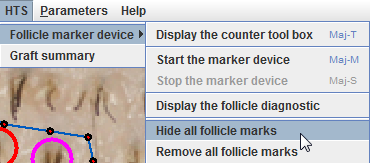
Hide or remove the markers placed on FUs
The counter toolbox :
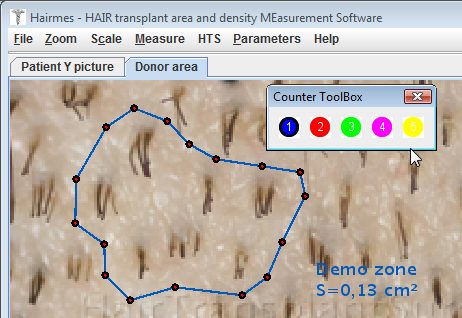
This toolbox lets you select different kinds of markers according to the number of hair follicles present in the Follicular Unit.
Placing the follicle markers :
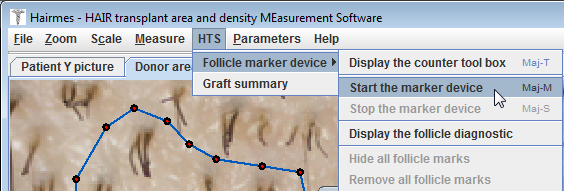
When the counter is started, just click on the follicular unit to deposit the corresponding marker:
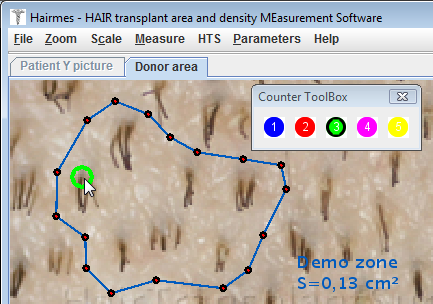
If the marker is not big enough, it is possible, when the mouse is over the marker, to increase its size using the mouse wheel.
Save this size so that all other markers use the same default size:
If marker selection is difficult, this can be remedied by left-clicking on the marker, which fills it and makes selection easier.
 |
-> right click -> |  |
Then perform the marking of all follicular units:
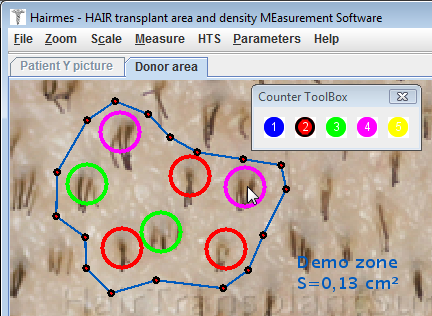
Once the marking is completely done, it is interesting to display the follicular diagnosis:
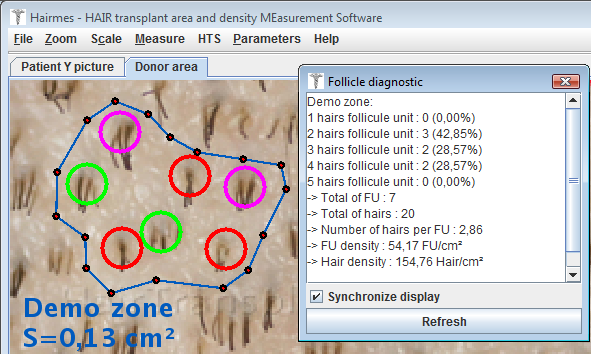
The diagnosis displays a count of the FUs (Follicular Units) included in measurement m1.
Management of follicle markers :
You can hide all the markers and remove them also.
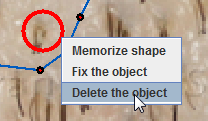
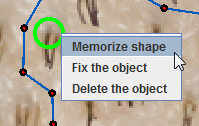
To delete a marker individually, simply right-click the marker and remove it using the context menu: